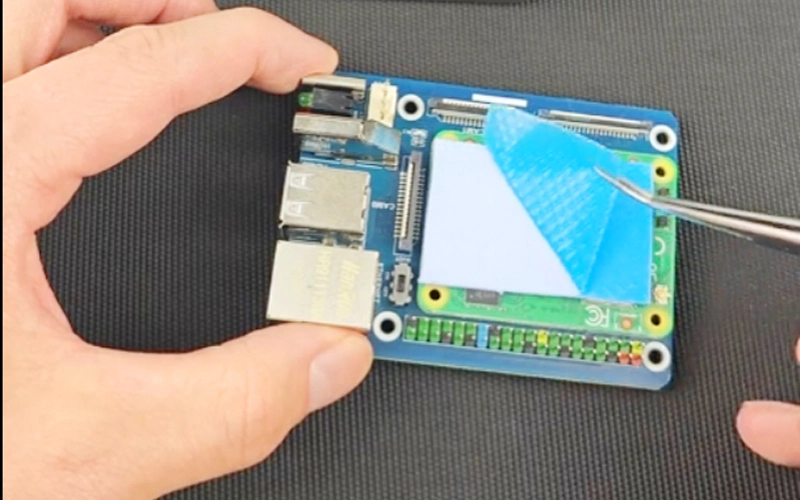
Here are some basic guidelines for where to install the thermal pad
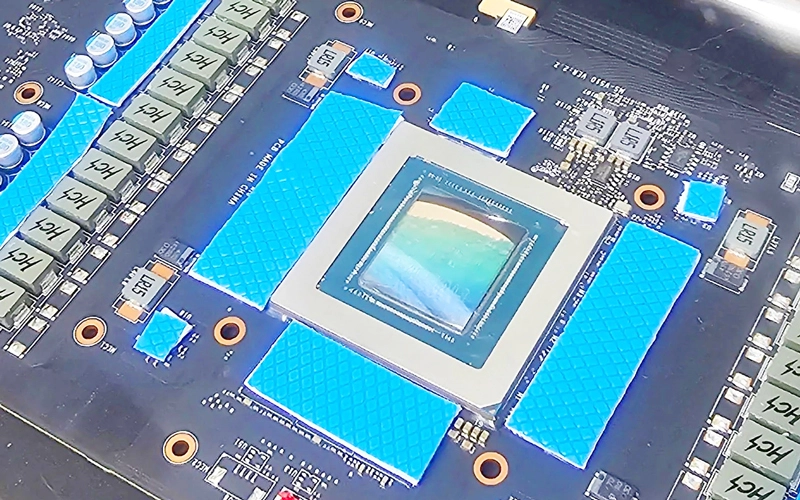
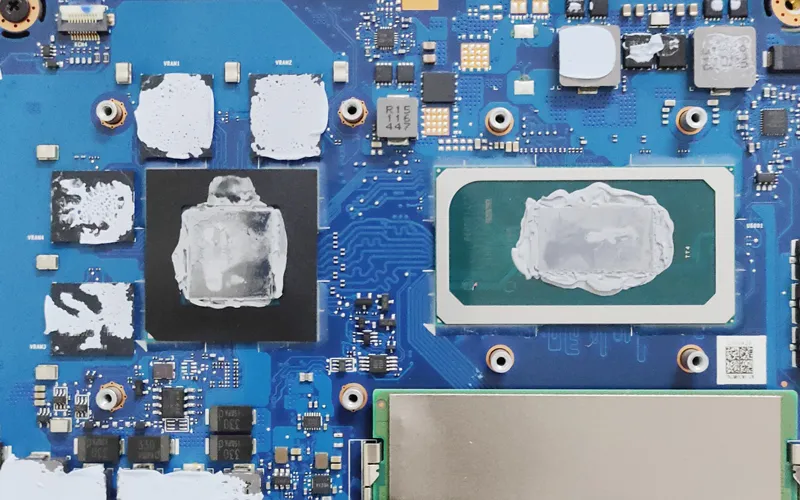
Identify the component that needs to be cooled, such as the processor, graphics card, or other high-power components.
Before installing the thermal pad, make sure the surface is clean and dust-free to ensure good thermal conduction.
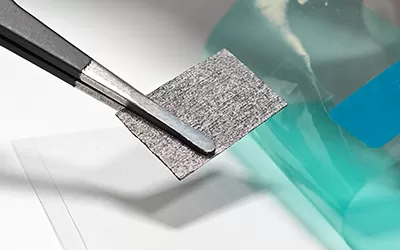
Use the thermal pad size that matches the component and ensure that the entire contact surface is covered.
Place the thermal pad between the heat source and the heat sink to ensure a complete fit.
When installing the heat sink, apply even pressure to ensure that the thermal pad is in full contact.
After installation, check if there is a visible gap to ensure that the thermal pad has not shifted.
● Thickness: Choose the right thickness of the thermal pad. Too thick may affect the contact effect.
● Thermal Conductivity: Ensure that the thermal conductivity of the thermal pad meets the requirements for optimal heat dissipation.
If you would like to learn more about AOK performance thermal materials, please visit our website at www.aok-technologies.com

 +86 755 2976 5899

 English