Verheating MacBooks are no extraordinary news to the tech world. Apple is infamous for thermal throttling and overheating issues, especially when you push its compact notebooks to the edge. However, Apple rebuilt its reputation with recent devices equipped with M1, M1 Pro, and M1 Max Apple Silicon chips.
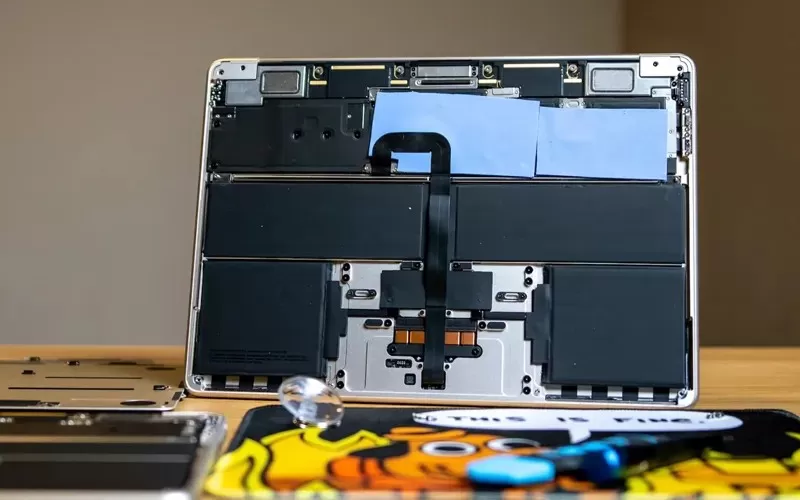
M2 MacBook Air face severe overheating issues. Enthusiastic customers have shown their disappointment at how quickly and frequently their MacBook Air and Pro devices heat up. Of course, these incidents only happen when you push the device for maximum performance.
MacOS does not have built-in functionality to let you know when the device is overheating. Instead, the device will throttle its performance to keep the temperature low. So, you would know that your M2 MacBook Air is overheating only when you see a loss of performance/speed.
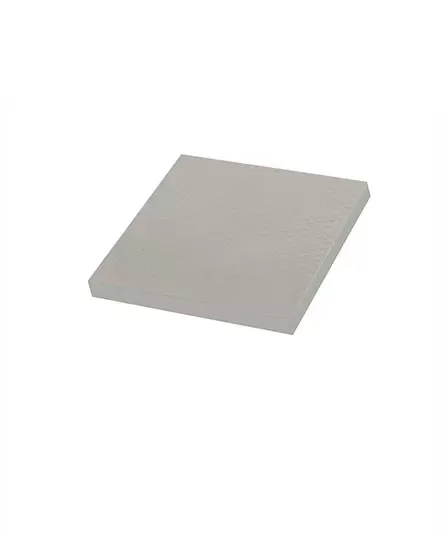
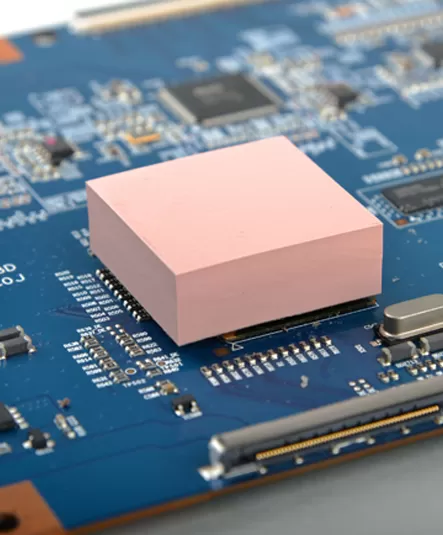
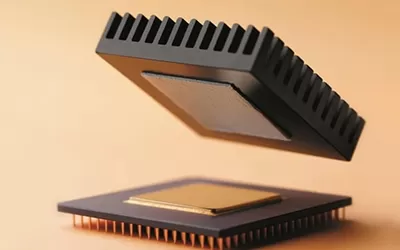
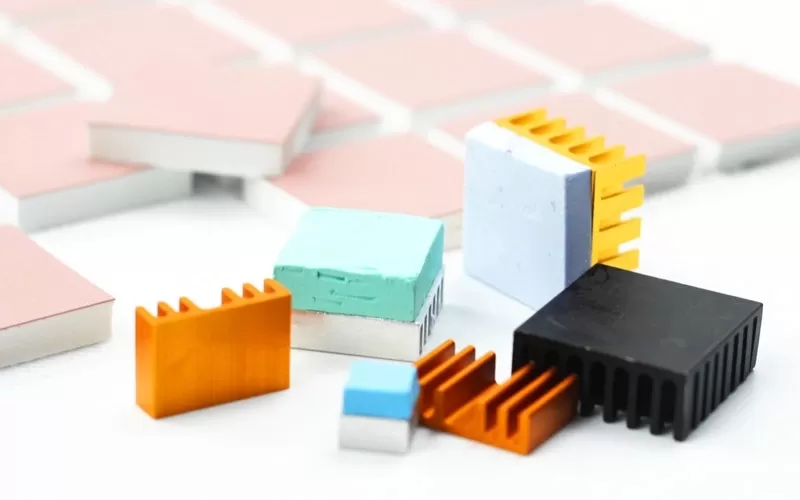
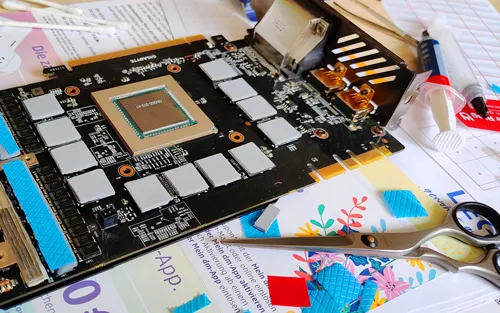
Installing the thermal cooling pads can cool down the temperature, dismantling the machine by yourself will make your new m2 macbook air lose the warranty opportunity, thermal cooling pads they make intimate contact with the processor and conduct heat away from the processor. Heat is dissipated faster when it is distributed over a larger surface area, making it easier to cool the processor. The MacBook Air uses a passive cooling system that conducts heat away from the chip, while the M1 and M2 versions of the MacBook Pro have an active cooling system that uses fans to draw in cool air and dissipate heat. Air escapes for more efficient cooling.
Most people don't actually notice the reduction in performance, or they think most people don't use the m2 macbook air for long hours of heavy work that pushes it to its cooling limit. No matter what Apple thinks, because the higher the temperature of the computer components, the faster the wear and tear. Letting the m2 macbook air run in a higher temperature environment for a long time will eventually cause reliability problems. Therefore, Apple should face up to improving the cooling system. In order to maintain the user's use and the life of the hardware.
If you would like to learn more about AOK performance thermal materials, please visit our website at www.aok-technologies.com.

 +86 755 2976 5899

 English