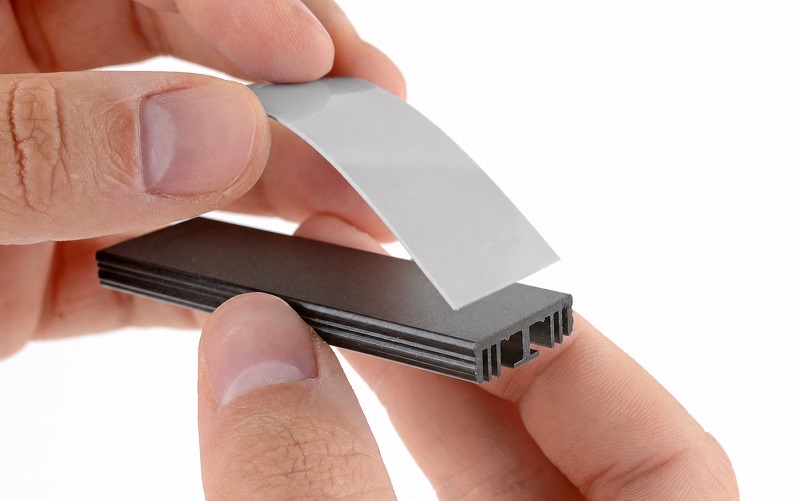
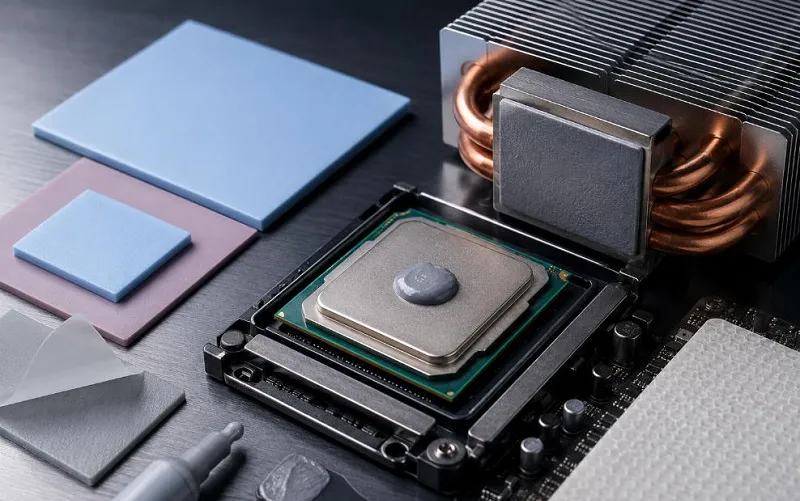
To visually explain the best thermal paste application method, follow these steps:
Prepare the Components: Ensure that both the CPU (central processing unit) and the heat sink are clean and free from any dust, debris, or old thermal paste residue. Use isopropyl alcohol (IPA) and a lint-free cloth or cotton swab to clean the surfaces thoroughly.
Apply Thermal Paste: Squeeze a small amount of thermal paste onto the center of the CPU. The amount needed is typically about the size of a grain of rice or a small pea. Avoid applying too much paste, as it can lead to excessive spreading and potential performance issues.
Spreading Method: There are different spreading methods you can use, depending on the type of thermal paste and personal preference. Here, we'll explain the "pea method" and the "X method."
a. Pea Method: Place a pea-sized dot of thermal paste at the center of the CPU. When you install the heat sink, the pressure will spread the paste evenly across the surface.
b. X Method: Apply the thermal paste in two lines forming an "X" shape across the CPU. The lines should be thin and evenly distributed. When you install the heat sink, the pressure will spread the paste across the surface.
Installing the Heat Sink: Carefully lower the heat sink onto the CPU, aligning it with the mounting brackets or screws. Apply downward pressure evenly and gradually to ensure proper contact and paste spreading. Follow the manufacturer's instructions for securing the heat sink in place.
Checking the Spread: After installing the heat sink, gently twist it slightly in each direction to help spread the thermal paste across the CPU surface. This twisting motion ensures that the paste covers the entire CPU and eliminates any air bubbles.
Cleaning Excess Paste: Use a lint-free cloth or cotton swab to clean any excess thermal paste that may have squeezed out around the edges of the CPU and heat sink. Be careful not to touch any electrical components.
Final Inspection: Ensure that the thermal paste is evenly spread across the CPU surface, with no gaps or air bubbles. The paste should create a thin, uniform layer between the CPU and the heat sink.
The specific instructions and recommended spreading method may vary depending on the type of thermal paste you're using. Always refer to the manufacturer's instructions for the best application method for the specific thermal paste you have.
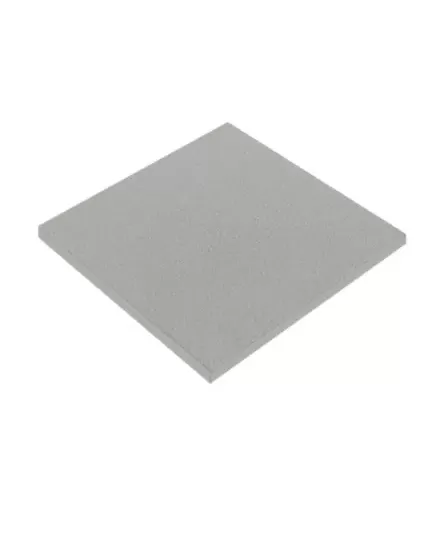
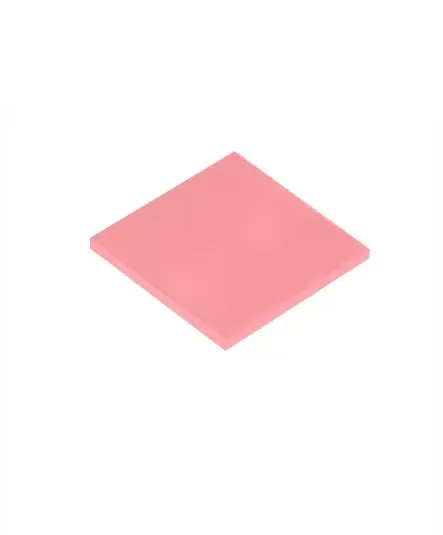
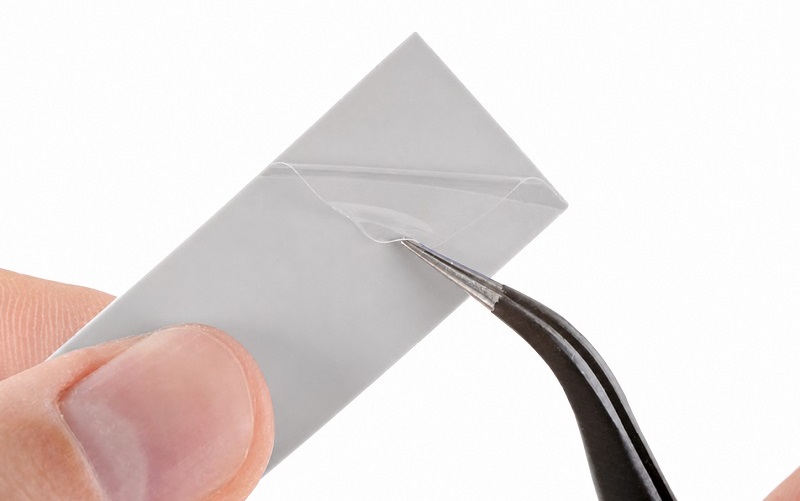
Additionally, it's important to note that some high-performance coolers or CPU designs may have different requirements or pre-applied thermal pads. In such cases, it's best to follow the manufacturer's guidelines for proper application.


 +86 755 2976 5899

 English