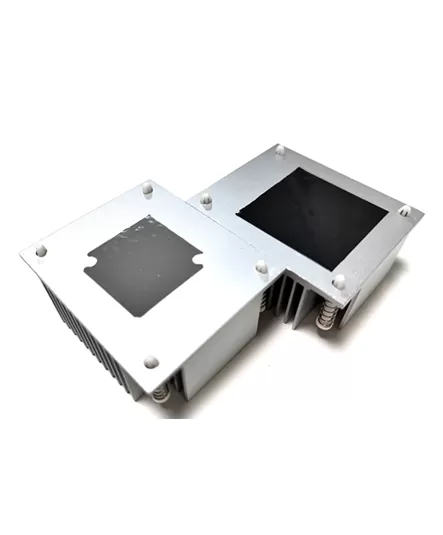
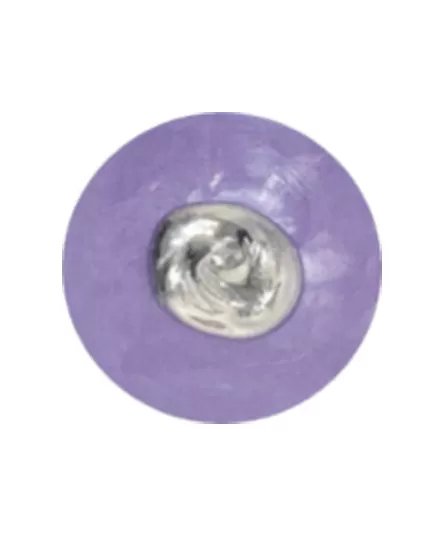
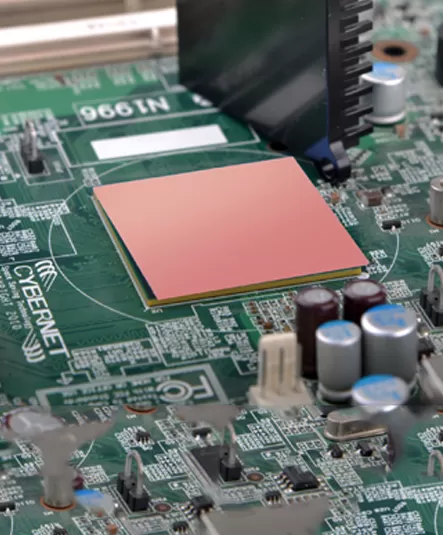
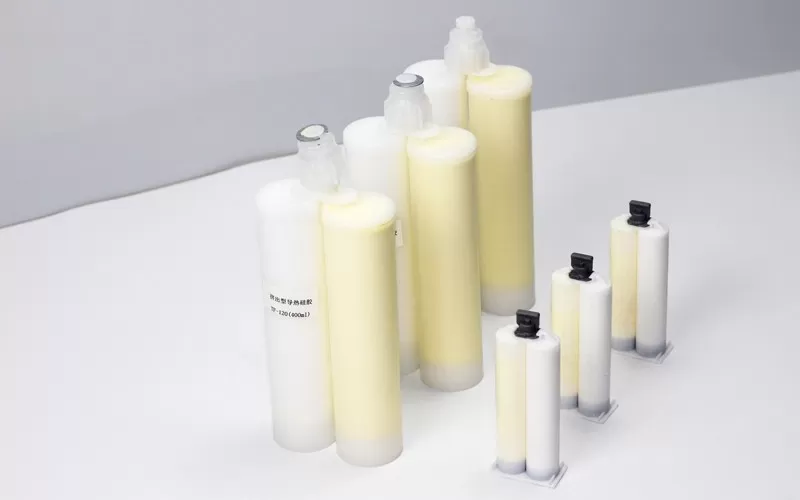
Thermal grease, also known as thermal paste or thermal compound, is a thermal interface material applied between a heat-generating component and a heat sink or other cooling surface. It fills microscopic surface irregularities and displaces much of the trapped air at the interface, helping reduce contact thermal resistance.
Correct thermal grease use is not simply a matter of applying as much material as possible. The goal is to achieve sufficient coverage while keeping the interface layer as thin and consistent as the assembly allows. The appropriate amount and application method depend on the component size, surface geometry, grease properties and mounting design.
Here are some guidelines for using thermal paste:
Clean the surface: Before applying thermal grease for sale, make sure the mating surfaces are clean and free from dust, old thermal compound, oil and other contaminants. A lint-free cloth with a suitable cleaning agent such as isopropyl alcohol can be used where compatible with the component and surface material. Allow the surfaces to dry completely before applying new thermal grease.
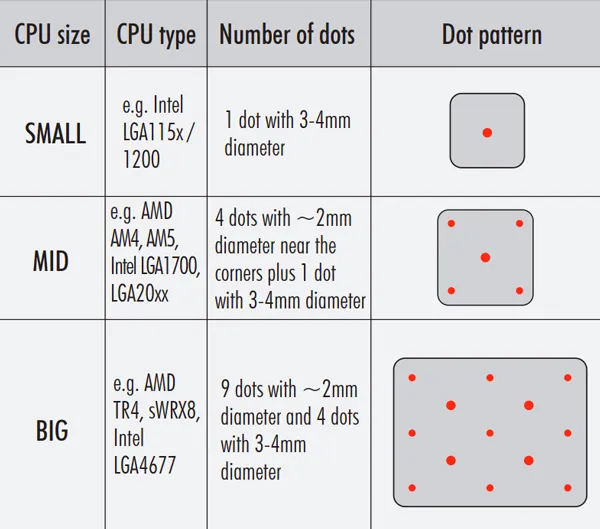
Apply a small amount: Apply enough grease to achieve adequate coverage after the heat sink is mounted, while avoiding unnecessary excess. Too little material may leave areas with poor contact, while excessive grease can create a thicker interface layer than necessary and may be squeezed beyond the contact area during assembly.
Spread the thermal grease: The application method depends on the component geometry and the thermal grease being used. In some assemblies, a controlled amount of grease is deposited onto the component and distributed by mounting pressure. In others, the grease may be pre-spread into a thin, uniform layer using a clean applicator.
Cover the entire surface: Ensure that you cover the entire surface with a thin and even layer of thermal silicone grease. This will help to ensure that heat is evenly distributed.
Install the heatsink: Once you have applied the thermal silicone grease, you can install the heatsink. Be sure to follow the manufacturer's instructions carefully, and to tighten the screws evenly to ensure that the heatsink is properly seated.
Test the system: Once you have installed the heatsink, it is important to test the system to ensure that everything is working properly. Check the temperature of the CPU or GPU to ensure that it is within normal operating range.
The main function of thermal conductive silicone grease is to fill the gap between the CPU and the heat sink, not as thick as possible. The thicker it is, the worse the thermal conductivity will be, and air bubbles will easily appear to affect the heat dissipation performance.
Apply evenly. For the bottom surface of an ordinary heat sink, the thickness of thermal grease is about the thickness of a piece of paper. After the thermal grease is applied, place the radiator on the CPU. At this time, only light pressure can be used, and the radiator cannot be rotated or translated. Otherwise, the thickness of the thermal grease between the radiator and the CPU may be uneven.
When applying thermal grease, wear gloves to prevent the thermal grease from touching the skin.
When applying thermal conductive silicone grease, use tools such as a scraper, and do not apply it directly by hand.
Related Articles: How to Clean Dried Thermal Silica Gel?
Related Articles: Best Thermal Paste application visually explained!
If you would like to learn more about AOK performance thermal materials, please visit our website at www.aok-technologies.com.

 +86 755 2976 5899

 English