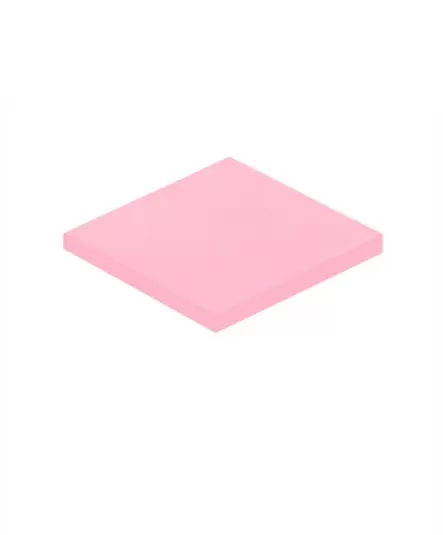
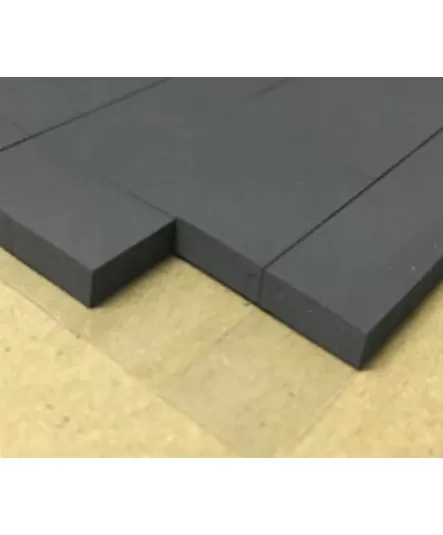
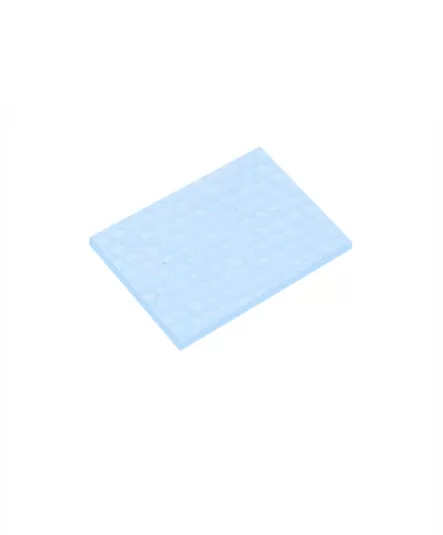
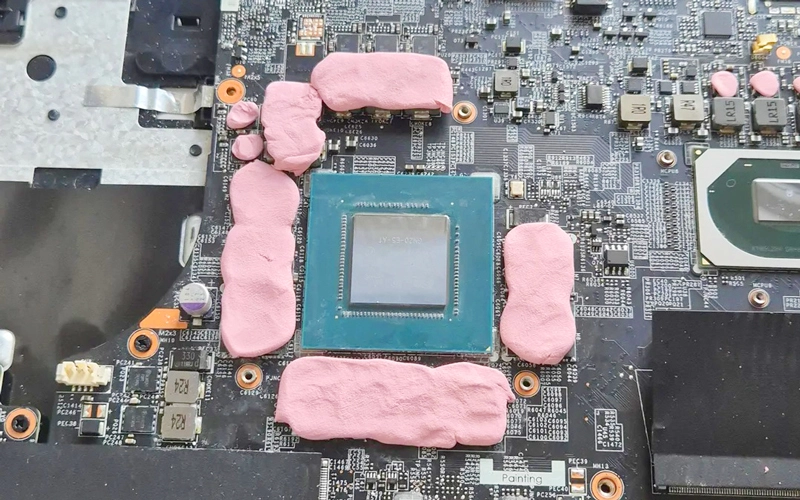
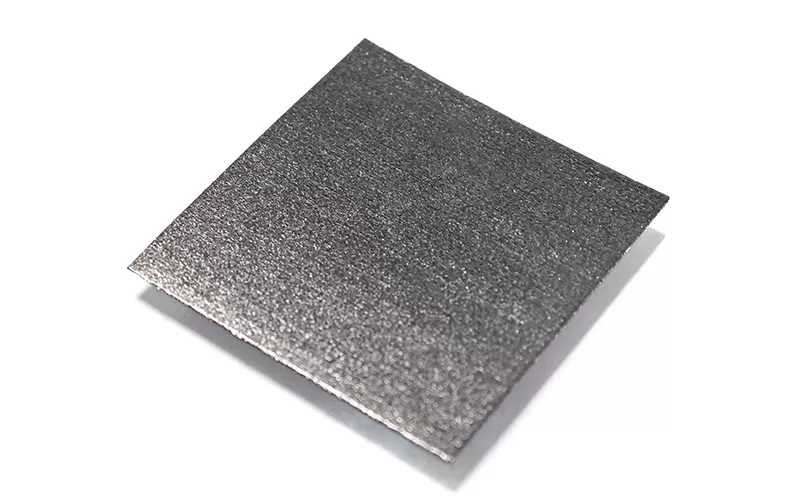
A VRAM thermal pad creates a heat-transfer path between the graphics card's memory modules and the heatsink or cooling plate. Because the gap between the VRAM and cooler can vary by graphics card model, choosing the right thermal pad for VRAM requires more than simply selecting the highest thermal conductivity.
Thickness, compression, softness, thermal conductivity, and compatibility with the specific GPU cooler all affect the final thermal contact.
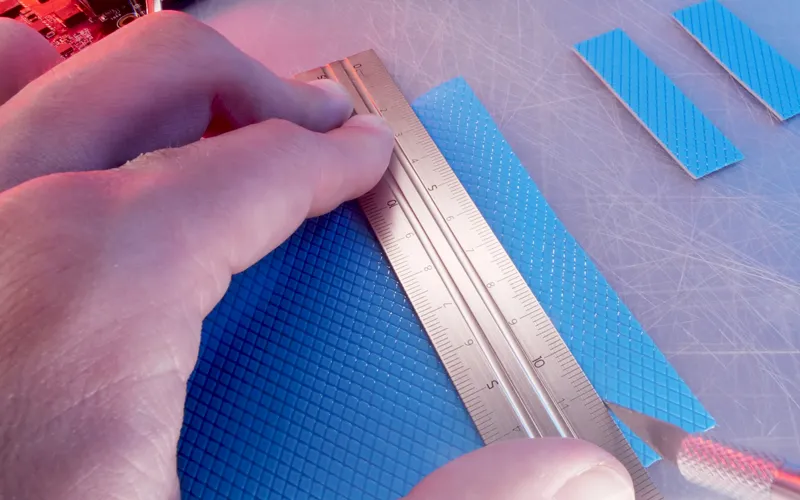
The most important thing when choosing a thermal pad for VRAM is to match the pad to the actual gap between the memory chips and the heatsink. Start with thickness and compression, then consider softness and thermal conductivity.
If you are replacing the original VRAM thermal pads, check the original pad thickness before choosing a replacement. Different graphics cards—and even different locations on the same graphics card—may use different pad thicknesses.
If the original specification is not available, measure the gap between the VRAM and heatsink rather than choosing a common size such as 1 mm or 2 mm by guesswork.
As a practical guideline, AOK generally recommends selecting a thermal pad that compresses by approximately 20%–50% after assembly.
For example, if the actual gap is about 1.5 mm, a 2.0 mm thermal pad compressed to 1.5 mm gives approximately 25% compression. This allows the pad to fill the gap and maintain contact without requiring excessive mounting force.
A pad that is too thin may not fully contact both surfaces. A pad that is too thick can prevent the heatsink from seating correctly and may place unnecessary pressure on the PCB.
For VRAM cooling, softness is just as important as thickness.
A softer, more compressible thermal interface pad can conform to slight differences in component height and surface flatness with less mounting pressure. This is especially useful when one heatsink covers several VRAM chips or other components at the same time.
If the pad is too hard, it may require more pressure to reach the intended compression and can leave uneven contact across the memory modules.
The goal is not maximum compression. The goal is full contact with reasonable mounting force.
Once the correct thickness and compression range are established, compare thermal conductivity.
A higher W/m·K value can help transfer heat more effectively, but a high-conductivity pad will not perform well if it is too thick, too hard, or does not make full contact with the VRAM and heatsink.
For this reason, a correctly fitted pad with suitable compression can be a better choice than simply selecting the product with the highest thermal conductivity rating.
For VRAM applications, evaluate these together:
correct thickness + suitable compression + low contact resistance + thermal conductivity
rather than looking at W/m·K alone.
Do not assume every thermal pad on a graphics card should have the same thickness.
VRAM, VRM components, and other heat-generating parts may sit at different heights relative to the heatsink. Replacing all pads with one thickness can change the cooler position and affect contact elsewhere on the board.
When servicing an existing graphics card, keep track of where each original pad was installed and its thickness before removal.
After installing the pads, the heatsink should sit in its normal position without obvious lifting or excessive resistance during assembly.
If the cooler cannot seat properly, the pad may be too thick or too hard. If the VRAM does not leave a clear contact impression on the pad, the pad may be too thin or insufficiently compressed.
For a replacement application, comparing VRAM temperatures before and after installation can also help confirm whether the new pads are making effective thermal contact.
It's important to follow the manufacturer's guidelines and recommendations when selecting thermal pads for VRAM modules. These guidelines may include specific thicknesses, thermal conductivity requirements, or even brand-specific recommendations. Checking the graphics card manufacturer's website or contacting their support can provide you with specific information on the recommended thermal pads for your graphics card model.
If you would like to learn more about AOK performance thermal materials, please visit our website at www.aok-technologies.com

 +86 755 2976 5899

 English